Radian ULTRA R3 Indoor and Outdoor Guide: Planning a Big-Screen Setup
How to plan indoor and backyard screenings with the Radian ULTRA R3, using its published throw ratio, brightness and Android features. No hype, just setup.
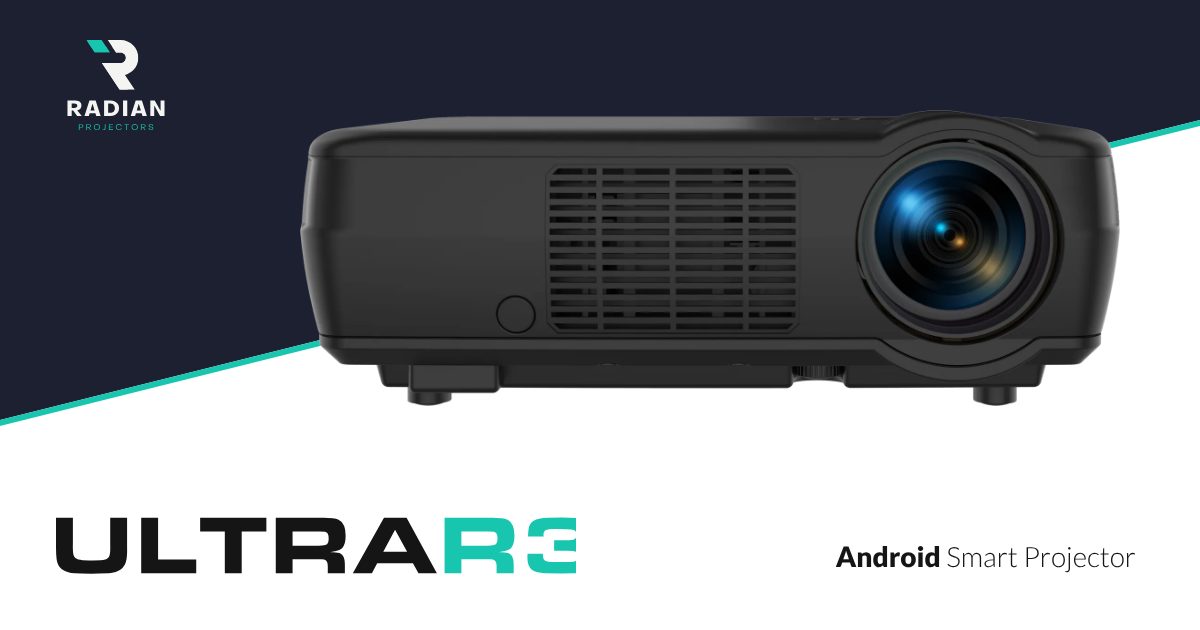
Radian sells its ULTRA projectors for indoor and outdoor use, in homes and in commercial spaces. The ULTRA R3 is the top model of the range, with a suggested retail price of $11,500 and a rounded cabinet that has a central vent and the lens on the right. This guide uses the R3’s published specifications to plan two common setups: a living room and a backyard screening. It is a planning guide based on Radian’s data, not a field test.
The figures come from the ULTRA R3 page on radianprojectors.com.
The three numbers that decide your setup
For placement, three of the R3’s published specifications matter most:
- Throw ratio 0.8 (short throw). Lens-to-screen distance is 0.8 times the picture width.
- 8,000 lumens (Radian’s rating). This determines how much ambient light the picture can tolerate.
- Android smart TV built in, plus HDMI. This determines whether you need a separate streaming box.
Indoor: the living room
Start from the picture width you want and multiply by 0.8 to get the lens distance. For a 2.5-metre-wide image, the lens should sit about two metres from the wall or screen. In most living rooms that puts the projector on a coffee table or a low unit in front of the sofa, rather than on a ceiling mount behind it.
Light and colour
With curtains open, a bright rating helps, but no projector beats direct sunlight on the screen. Radian lists a 9,000 K colour temperature, which is a cool white. In the evening, try the cinema modes first. Radian lists nine picture modes: two cinema film modes, cinema digital, reference, TV, photo, game, bright cinema and bright TV. The “bright” modes are the ones to try in a lit room.
Sound and noise
Radian lists the fan at 25 dB. For a living room, the more important question is audio: plan where the sound will come from, whether that is an external system over HDMI or speakers placed near the screen.
Outdoor: the backyard screening
Outdoor setups have different problems: ambient light at dusk, a surface to project on, and power.
- Wait for dusk. Even with a high brightness rating, a projected image looks best once the sky has darkened.
- Use a proper surface. A taut white screen or sheet gives a far cleaner image than a textured wall.
- Keep the short throw in mind. At 0.8, the R3 can sit close to the screen, which keeps cables short and the projector out of the way of guests.
- Plan the source. With Android built in, a Wi-Fi connection that reaches the garden lets you stream directly. Otherwise, bring the source over HDMI.
Radian does not publish a weather rating, so bring the projector indoors after the screening and keep it away from dew and rain.
Commercial use
Radian also positions the ULTRA range for commercial spaces such as a bar showing sports or a meeting room. The game, TV and bright TV modes are the ones most relevant to those settings. As at home, start from the screen width and work back to the placement.
What to confirm before buying
The R3 shares its specification sheet with the cheaper R1 and R2, so its higher MSRP of $11,500 reflects its body and positioning rather than any published performance gap. Radian’s sheet lists both a 250 W lamp and an “8K laser tech lamp” as the projector system, so confirm the light source with the seller.
Frequently Asked Questions
Can the Radian ULTRA R3 be used outdoors?
Radian sells the ULTRA range for indoor and outdoor use. It does not publish a weather rating, so set it up for the screening and bring it back indoors afterwards.
How large an image can I get from the ULTRA R3 in a small room?
With a 0.8 throw ratio, the lens distance is 0.8 times the picture width. Two metres from the wall gives an image about 2.5 metres wide.
Which picture mode should I use in a bright room?
Radian lists bright cinema and bright TV among its nine picture modes. Those are the first modes to try when the room is not fully dark.
Is the ULTRA R3 brighter than the R1 or R2?
Not on paper. Radian publishes the same 8,000-lumen rating and the same specification list for all three ULTRA models.
Related posts

Ambienti M27 Quick Verdict: 5.1 in One Box, With Questions to Ask
Ambienti M27 in two minutes: what the $2,477 5.1 system includes, its strengths on paper and the specs Ambienti leaves out.
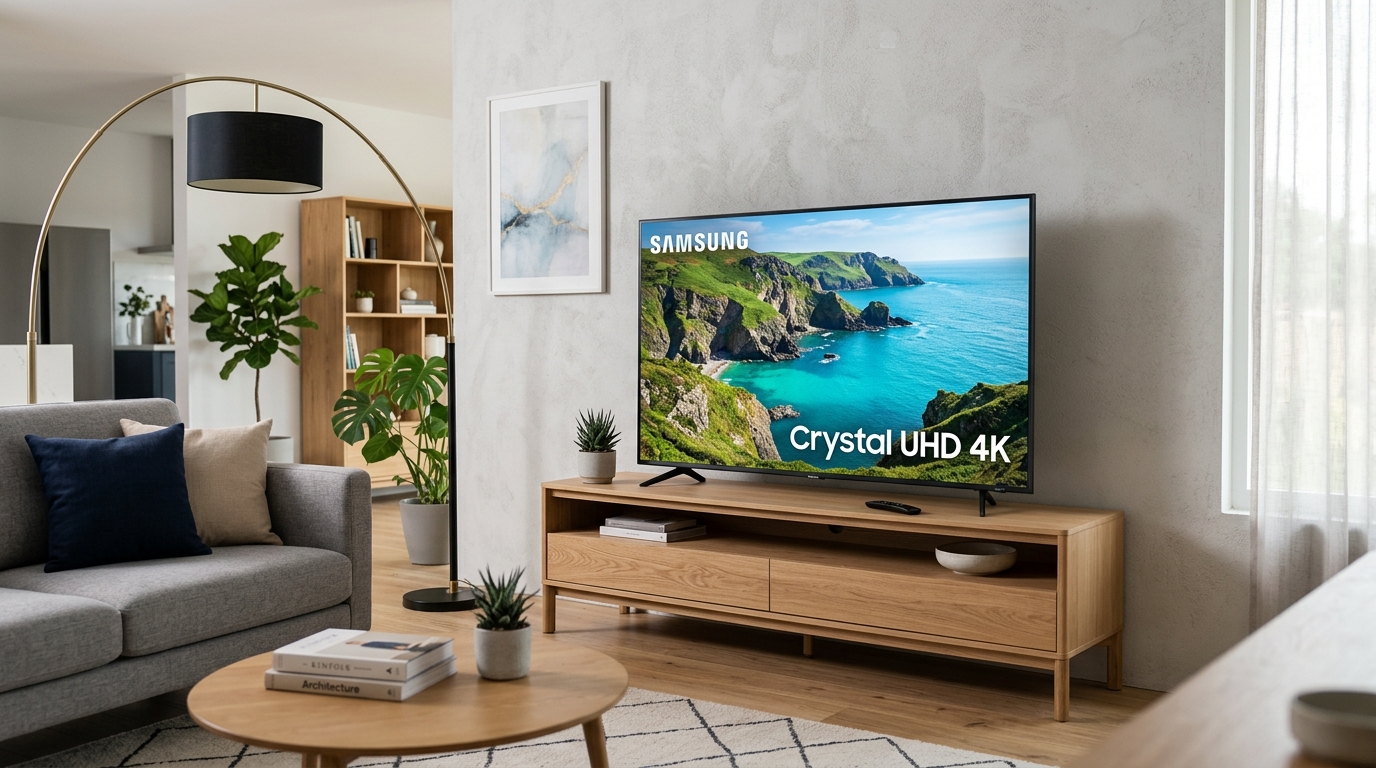
Samsung CU8000 4K Smart TV Review: Budget Crystal UHD Tested
Is the Samsung CU8000 4K Smart TV the best budget 4K TV in 2025? Read our full review covering Crystal Processor 4K, AirSlim design, Tizen OS, and HDR performance.
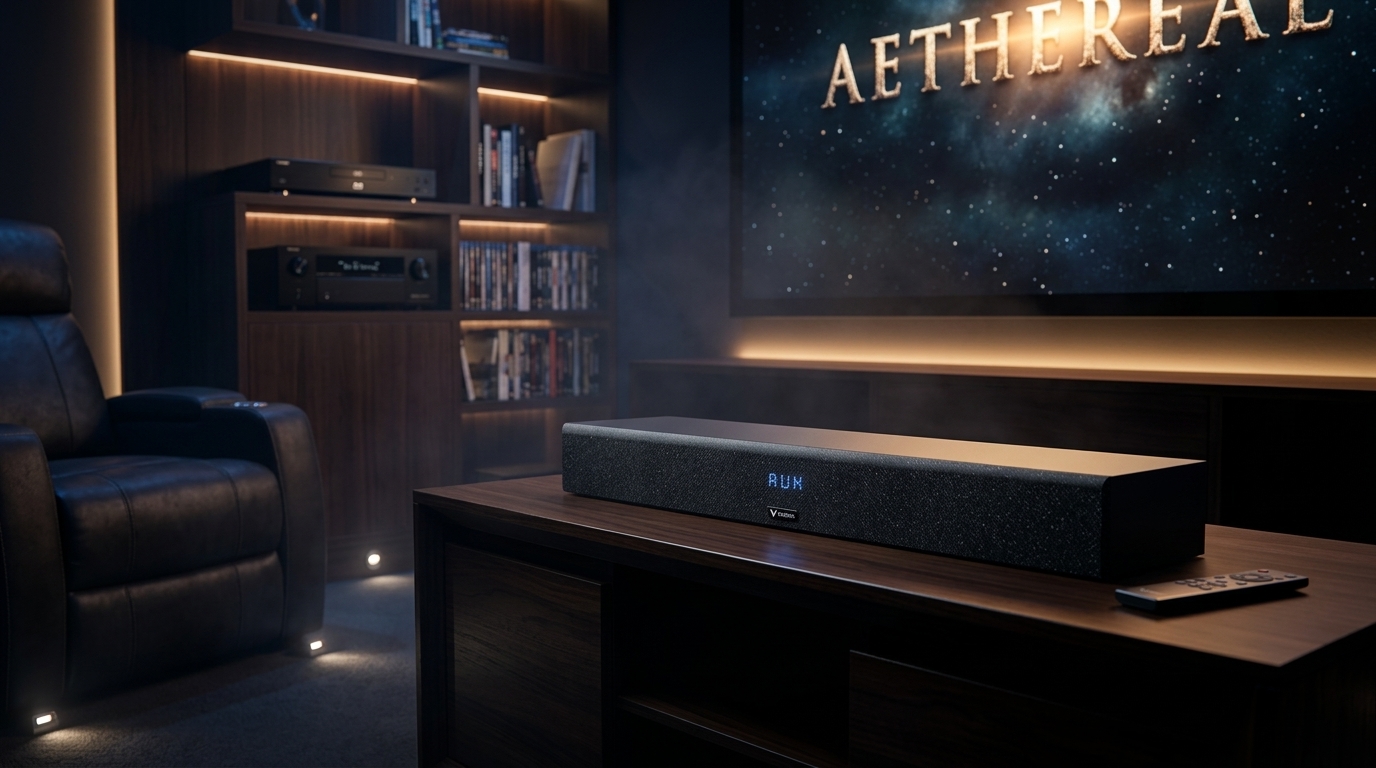
Sedona SN14 Soundbar System Review: Dialogue Clarity Tested
In-depth review of the Sedona SN14 Soundbar System from sedonahifi.com. We test its 27 custom neodymium drivers, 16 dedicated DACs, Hi-Res Audio certification, and HDMI eARC.